New Keeps selling when the internet is down

Run your whole shop from one simple system.

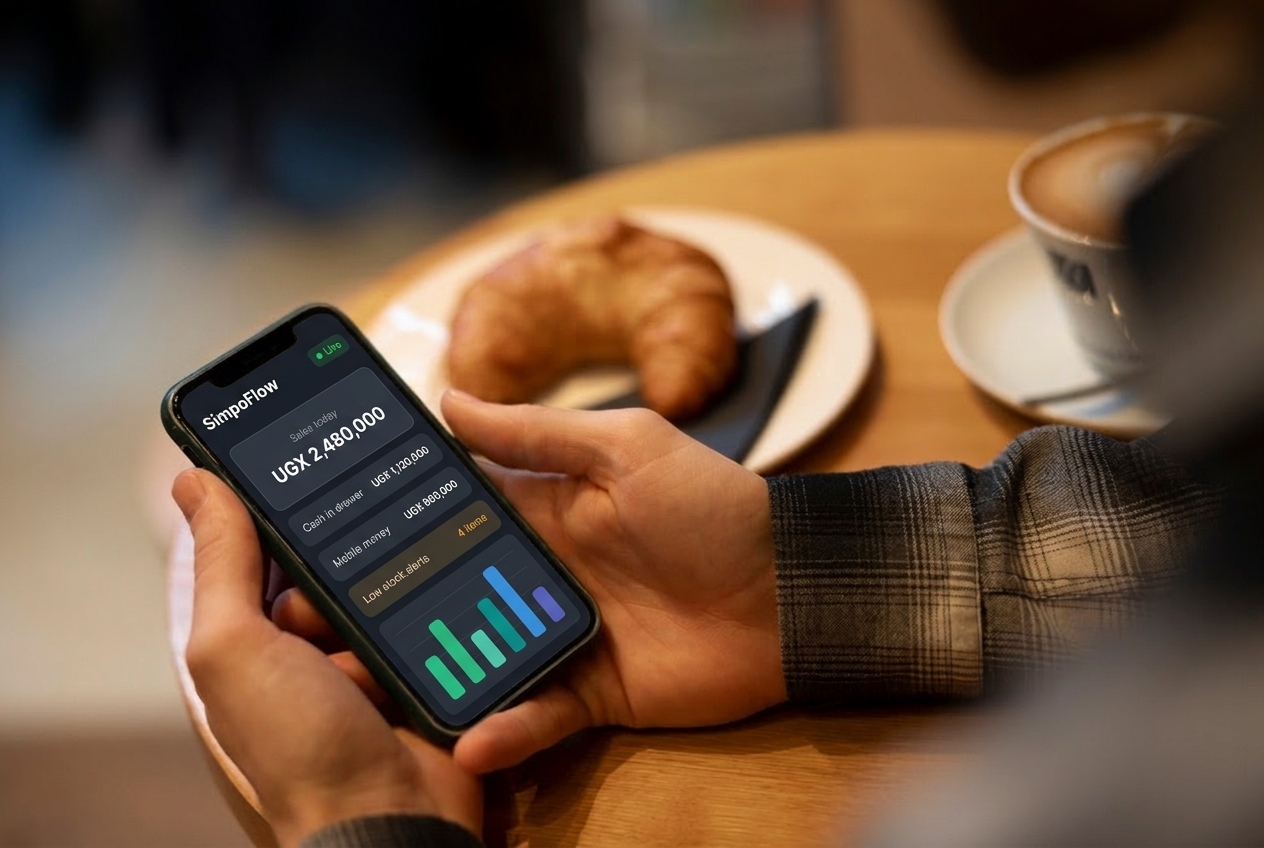
SimpoFlow puts your counter, stock, customer debts and daily profit in one place. Sell fast, even offline, and always know how your business is doing.

14 days free. No payment details needed.

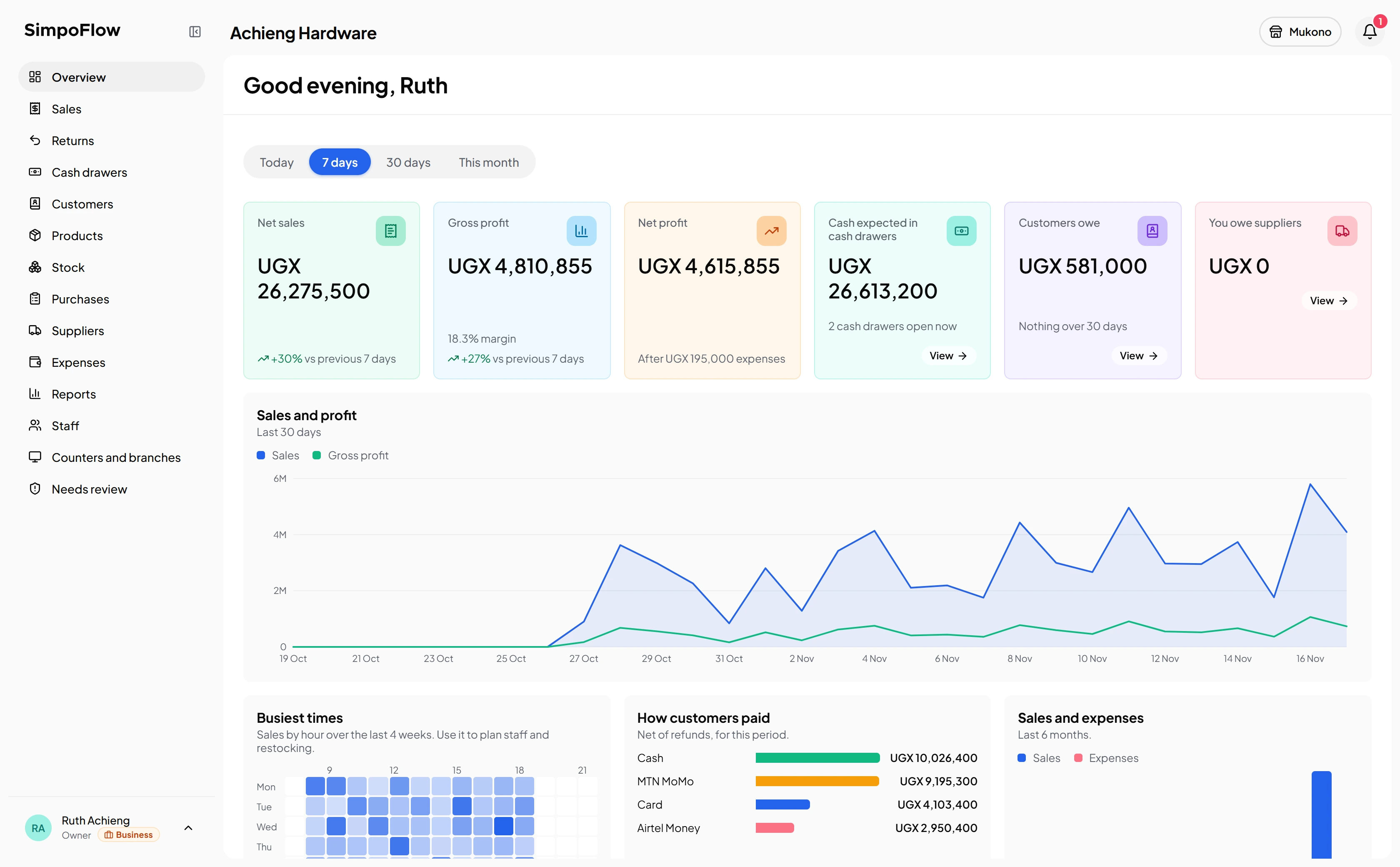
The SimpoFlow back office Overview: sales, profit, cash in drawers, customer debts and a 30-day sales chart

Built for every kind of shop

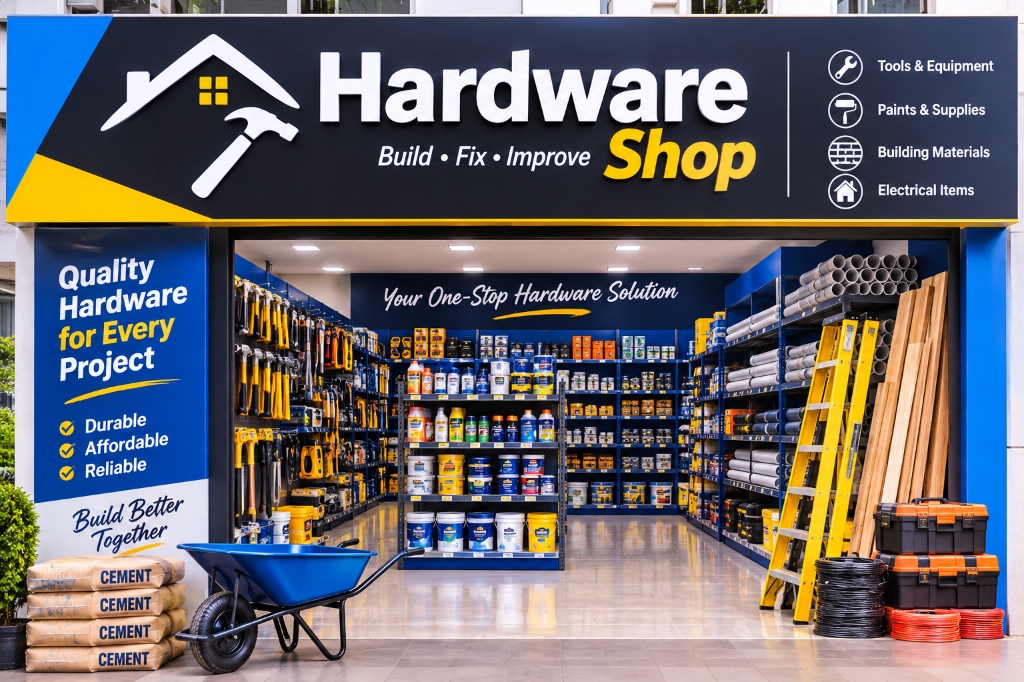
  • Hardware
  • Supermarkets
  • Pharmacies
  • Boutiques
  • Electronics
  • Wholesale
  • Restaurants
  • Agro shops
  • Cosmetics
  • Spare parts
  • Bookshops

At the counter

Checkout that keeps the queue moving

Your cashiers sell in a few taps, whatever the internet is doing, and every sale lands in your back office on its own.

Cement 50kg2 × 38,000
Roofing nails3 × 13,500
Padlock1 × 12,000
TotalUGX 128,500
Charge

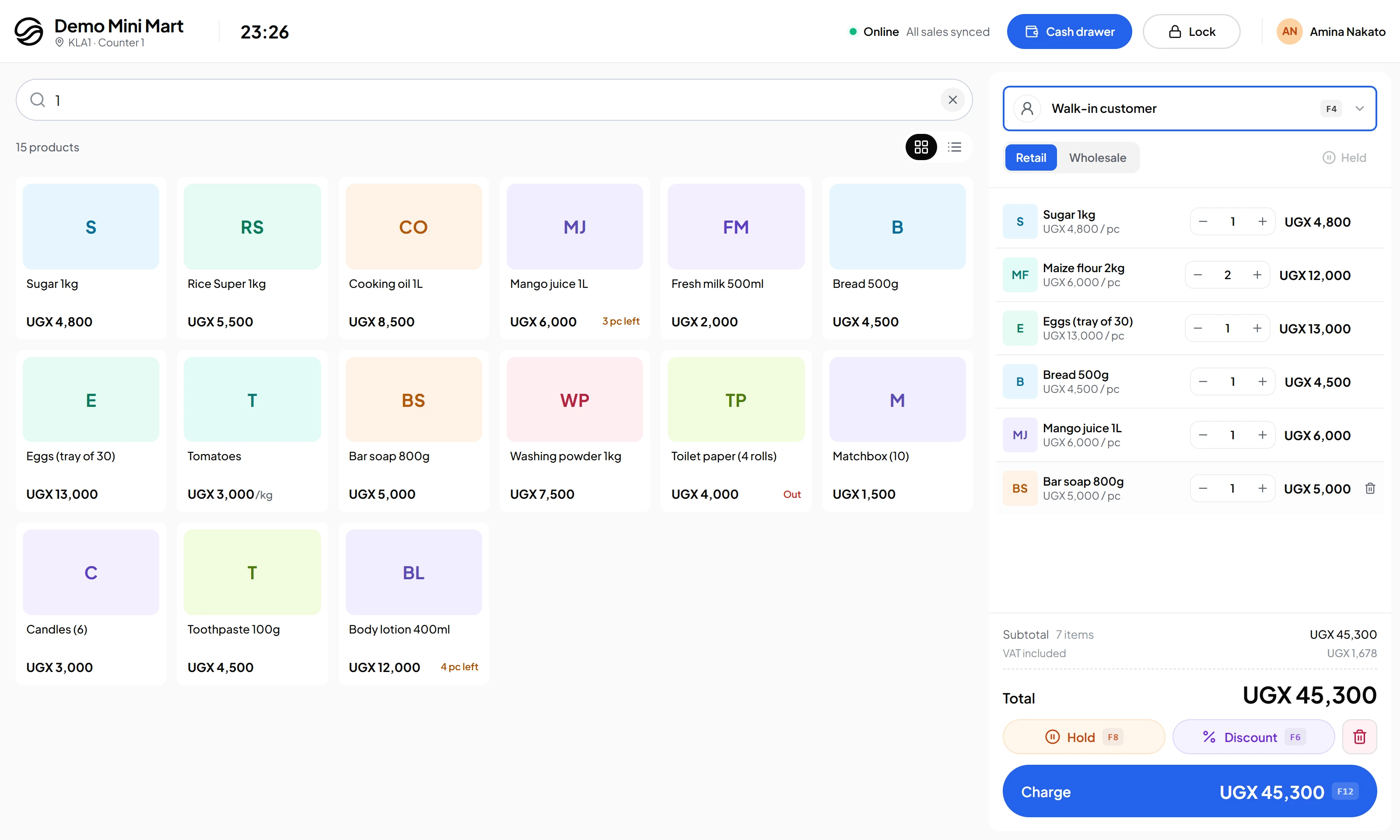
Scan, search, charge

Find any product by barcode or name, add packs or single pieces, and take payment in seconds.
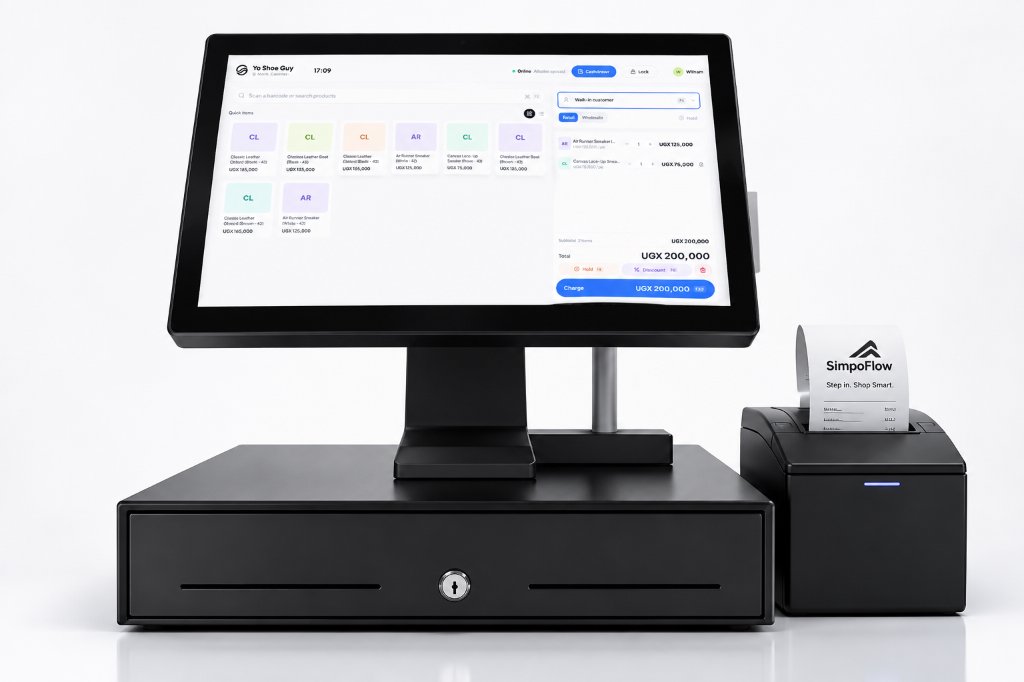
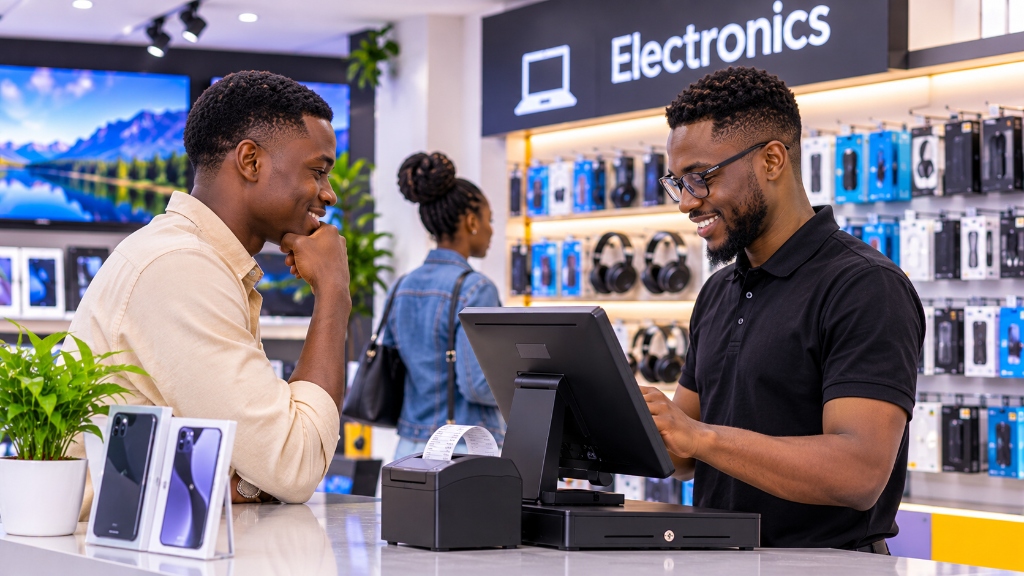
SimpoFlow POS terminal with cash drawer and receipt printer

Keeps selling offline

No internet, no problem. The counter keeps working and sends every sale once the connection is back.

Cash MTN MoMo Airtel Money On credit

Cash, mobile money or credit

Split a payment, record the mobile money reference, or sell on credit to a customer you know.

Stock

Stock that keeps itself up to date

Every sale, purchase and return moves your stock, so the numbers match your shelves. See what is running low before it runs out, and count stock with your team when you need to.

  • Low and out-of-stock alerts
  • Purchases from suppliers add stock when goods arrive
  • Stock counts that show every difference
Running low7 products
Cement 50kg (Hima)9 left
Roofing nails13 kg
Emulsion paint 20L2 left
Padlock, mediumOut

Profit

Know today's profit before you close

SimpoFlow works out what each sale cost you, so you see real profit, not just sales. Compare days, weeks and months, and see which products earn the most.

  • Sales, profit and expenses side by side
  • Best and slowest sellers
  • Reports you can print or export
This month↑ 12% vs last month
SalesUGX 24.6M
ProfitUGX 5.9M
ExpensesUGX 1.2M

Inventory

Real-time inventory management

Every sale, delivery and return updates your stock as it happens, across every counter and branch. Sales made offline count too, as soon as the counter reconnects.

Stock on hand Live
1,248 pairs Worth UGX 46.2M at cost · 2 branches
Sale completeReceipt MUK1-T1-000231
  • Chelsea boots, size 42145,000
  • Wool socks × 220,000
  • Shoe polish, black8,000
MTN MoMo UGX 173,000
Running lowChelsea boots, size 42
2 pairs left · usually 12 Reorder
+ Delivery received · 24 pairs Added to stock at Kampala Road

Live stock levels

See what's on the shelf in every branch, by the piece, pack or kilo, as each sale goes through.

Low-stock alerts

Know what's running out before customers ask, with one list of everything that needs reordering.

Deliveries and transfers

Receive supplier deliveries straight into stock, and move goods between branches without losing track.

Who it's for

Built for your kind of business

Whatever you sell, SimpoFlow fits the way your shop already works.

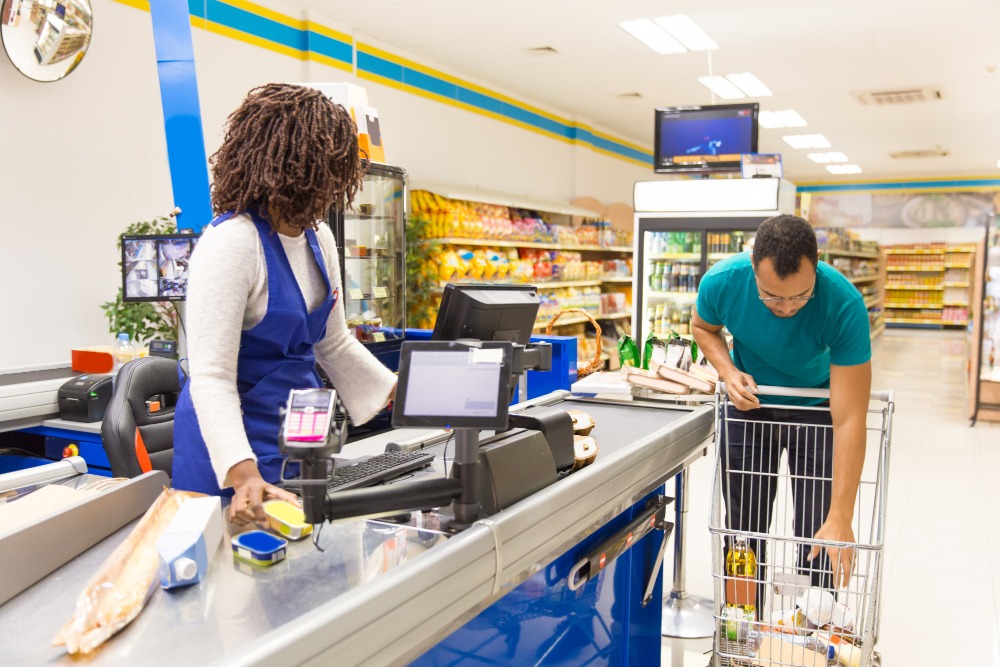
A cashier at a supermarket checkout counter scanning groceries while a customer unloads a shopping trolley
SSale completeCounter 2 · just nowCash
Items14
TotalUGX 86,400

Fits your day

Made for every part of your shop

Counter

Close every day with the right cash

Open and close each cash drawer with a count. SimpoFlow works out what should be there, so a short drawer shows up the same day.

Start free trial
A Amina's cash drawerCounter T1 · opened 8:02 Closing
Opening floatUGX 50,000
Cash salesUGX 412,000
Expected in drawerUGX 462,000
CountedUGX 460,000
Difference−UGX 2,000
Close drawer

How it works

Up and running in an afternoon

  1. 1

    Create your account

    Sign up with your email, then tell us about your shop in three short steps.

  2. 2

    Add your products

    Type them in or import a spreadsheet, with prices and the stock you have now.

  3. 3

    Start selling

    Install SimpoFlow on your shop's Windows computer, sign in and make your first sale.

“SimpoFlow has made managing my shop much easier. I can keep track of sales, monitor my stock and know what is moving without having to do everything manually. It saves me time and helps me stay organised.”

Maganda Boris Shop HT236, Ham Tower, Kampala

Pricing

Simple plans that grow with you

Try any plan free for 14 days. Pay monthly by mobile money or bank.

Run your shop from any browser

Check live sales, manage stock, track customer debts and review profit across every branch—from your laptop or phone.

Live overview

See today's sales, busiest hours and cash in every drawer.

Stock & suppliers

Receive purchases, transfer stock between branches and approve counts.

Multi-branch ready

Switch between shops or view all branches together in one click.

SimpoFlow Web Back Office overview

The counter app

A counter that keeps on selling

Install SimpoFlow on your shop's Windows computer. Cashiers sign in with their PIN, scan or tap products and take payment, even when the internet is down.

A smiling pharmacist at a pharmacy counter serving a customer using a SimpoFlow POS terminal and receipt printer
  • Works offlineSales wait safely and sync later
  • A PIN for each cashierEvery sale knows who made it
  • Scanner and printerBarcodes in, receipts out
  • Syncs to your back officeSee every sale from anywhere

Never miss a sale

Customers don't wait. SimpoFlow keeps your counter ready for the next one, whether the internet is up or down, and whoever is serving.

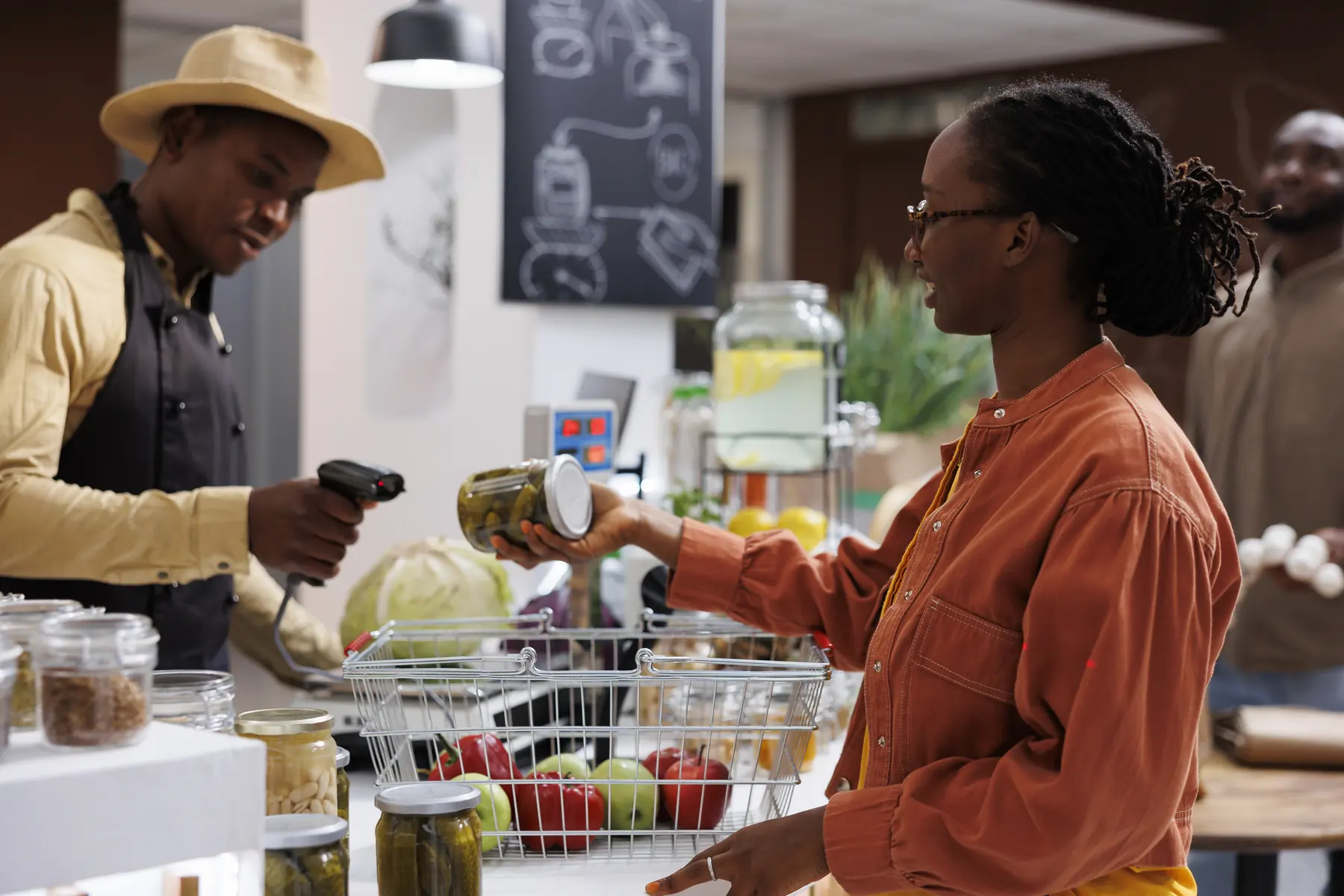
A cashier scanning a customer's jar with a barcode scanner at the counter

Sell offline

No internet? Keep selling. Every sale is sent the moment you're back online.

Quick checkout

Scan a barcode or search by name, and take payment in seconds.

Hold a sale

Park a customer who steps away and serve the next one in line.

Any way to pay

Cash, MTN MoMo, Airtel Money, card or credit, even split in one sale.

Download for Windows

FAQ

Questions shop owners ask

Something else on your mind? We are happy to help.

Does it work without internet?

Yes. The counter keeps selling when the connection drops and sends every sale to your back office once it is back. By default a counter can sell offline for up to 7 days at a time.

What do I need to get started?

A Windows computer for the counter. The back office opens in any browser, on a computer or a phone. A receipt printer and barcode scanner are optional.

Can I try it before I pay?

Yes. Every new shop gets 14 days free with no payment details. Choose a plan when you are ready.

How do I pay?

From Plan and billing in your back office, by mobile money or bank. We confirm your payment and extend your plan.

Can I bring my products from Excel?

Yes. Save your list as a CSV file and import it, with prices, costs and the stock you have now.

Is my shop's data safe?

Each shop's records are kept apart from every other shop's. Staff only see what their role allows, and every change is written to an activity log.

Can I change my plan later?

Yes, move up or down from Plan and billing whenever your shop changes.